The Experience Score is a feature that evaluates the quality of a Mini Program experience. It performs real-time checks during Mini Program execution, identifies potential issues that may negatively impact the experience, pinpoints the specific problem areas, and provides optimization recommendations.
Base library version 3.7.0 introduced the Mini Program Performance Diagnosis Tool as an upgrade to the Experience Score, enabling direct performance testing on physical devices.
Runtime Environment Requirements
- Download and install WeChat DevTools version 1.02.1808300 or later, Download.
- The base library must be set to version 2.2.0 or later.
Usage Flow
- Open the Developer Tools and switch the Base Library to version 2.2.0 or higher in the Details section.
- Switch to the Audits panel in the Debugger area.
- Click the Start button, then manually operate the Mini Program interface. The pages that have been run will be detected by the Experience Score.
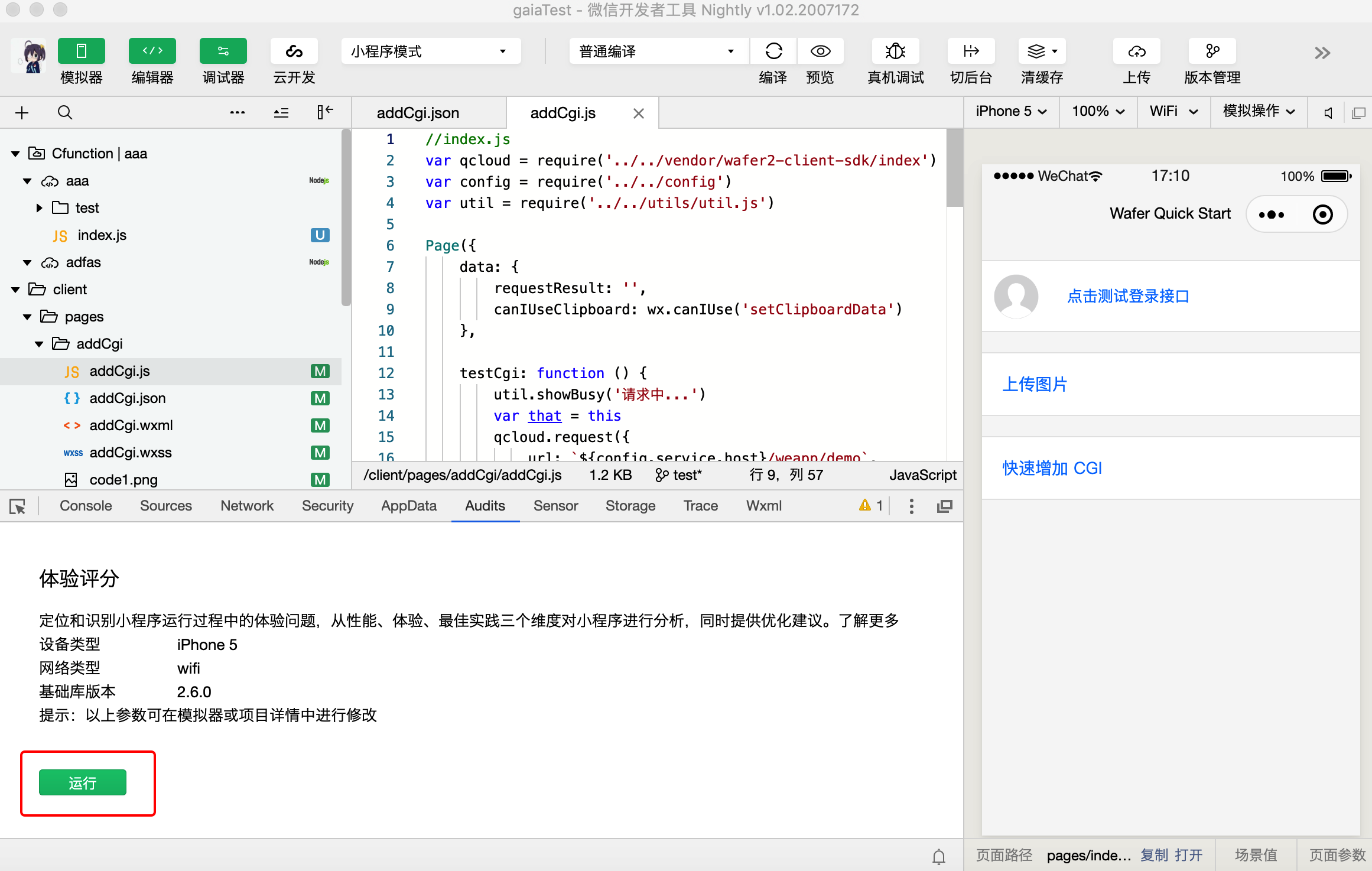
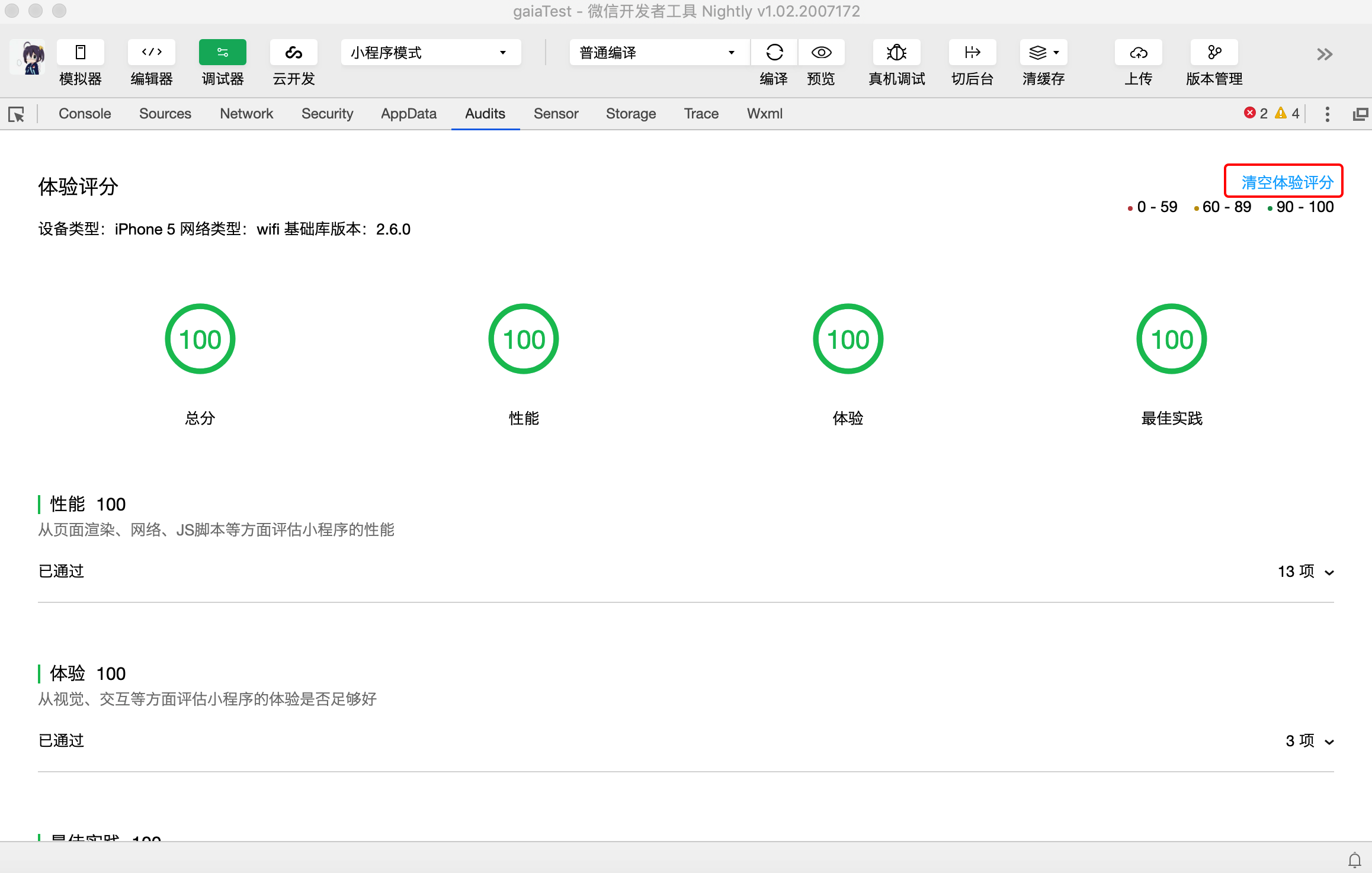
- Click Stop to end the detection. The corresponding detection report will be displayed in the current panel. Developers can optimize the relevant features based on the suggestions in the report.
- To run the Experience Score again, click Clear Experience Score above the report to restore the initial state. Please note that the system currently does not provide report storage services. Once the Experience Score is cleared, the scoring results will no longer be viewable.
Automatic Execution
To help developers promptly identify experience issues in their Mini Program, the "Automatic Execution" feature for Experience Score is supported starting from Developer Tools version 1.02.1811150.
This feature performs real-time checks while you develop and debug the Mini Program. Once the experience score drops below 70, the system outputs a warning message to the console panel to notify the developer. At this point, developers can switch to the Audits panel to view detailed information.
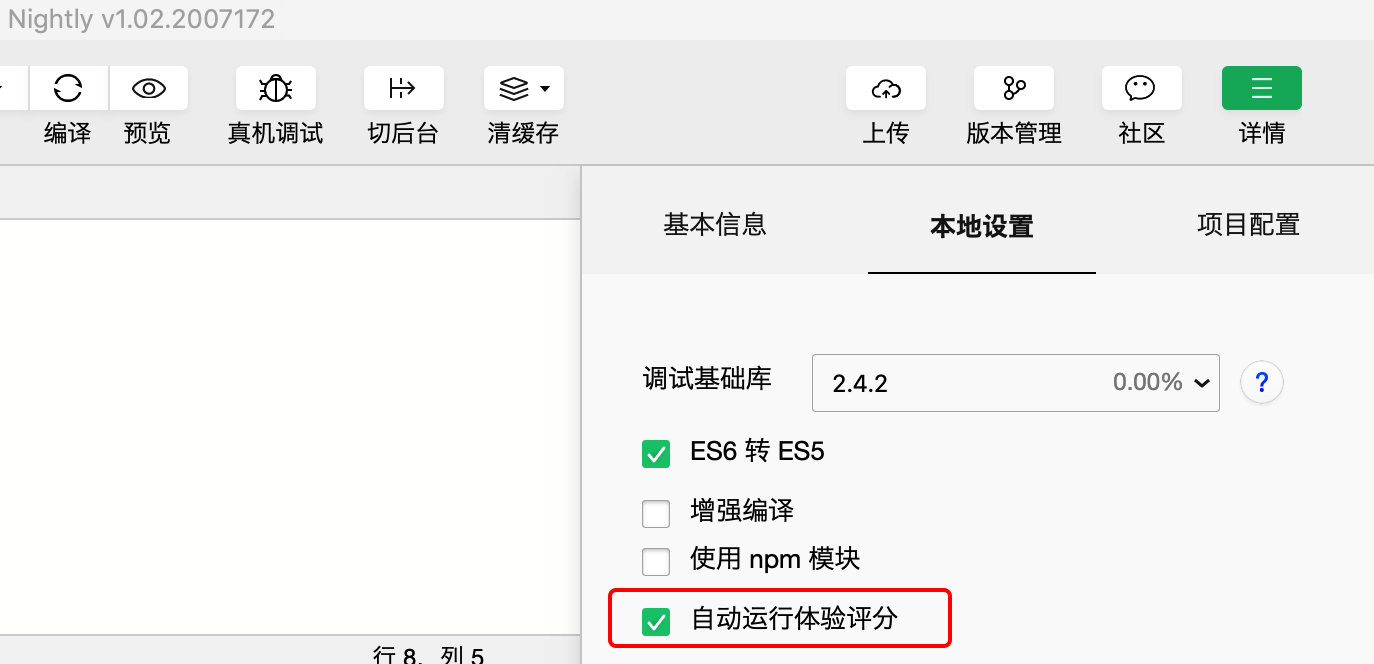
To enable this feature, check the "Auto-run Experience Score" option in the "Local Settings" section of the "Details" panel located in the upper-right corner of the tool.
Scoring Rules
For specific scoring criteria and detailed rule descriptions, refer to the following documents: