# 小程序摄像头插件
[本插件](https://mp.weixin.qq.com/wxopen/pluginbasicprofile?action=intro&appid=wxf830863afde621eb&token=&lang=zh_CN)主要用于提供「小程序摄像头」的部分基础能力和统一的界面。
插件接入可参考:[小程序示例代码](https://git.weixin.qq.com/wxa_iot/voip-wxapp-demo)
**设备侧 SDK 的接入与小程序 VoIP 的纯云接入完全一致,请参考相关文档。**
## 1. 小程序引入插件
> 关于小程序插件详细说明请参考[小程序使用插件文档](/miniprogram/dev/framework/plugin/using)
在「小程序管理后台」添加插件后,使用者还需要在小程序的 `app.json` 中声明本插件。可以在主包引入,也可以在分包引入。
```json
// 主包引入
{
"plugins": {
"wmpf-voip": {
"version": "latest", // latest 表示自动使用最新版本。也可使用具体版本,如 2.3.8
"provider": "wxf830863afde621eb"
}
}
}
```
```json
// 分包引入
{
"subpackages": [
{
"root": "xxxx",
"pages": [],
"plugins": {
"wmpf-voip": {
"version": "latest", // latest 表示自动使用最新版本。也可使用具体版本,如 2.3.8
"provider": "wxf830863afde621eb"
}
}
}
]
}
```
完成声明后,可以在小程序中来确认是否引入成功
```js
const wmpfVoip = requirePlugin('wmpf-voip').default
console.log(wmpfVoip) // 有结果即表示引入插件成功
```
## 2. 引入摄像头组件
插件引入成功后,需引入摄像头组件。
页面或者组件的 json 文件中声明:
```json
"usingComponents": {
"camera-device": "plugin-private://wxf830863afde621eb/publicComponents/camera-device/camera-device"
},
```
wxml 中使用组件:传入sn、model-id,device-name
```html
// page.wxml
```
wxss 中自定义 camera-deivce.
```css
// page.wxss
.camera-deivce {
width: 100vw;
height: 300px;
}
```
预期:
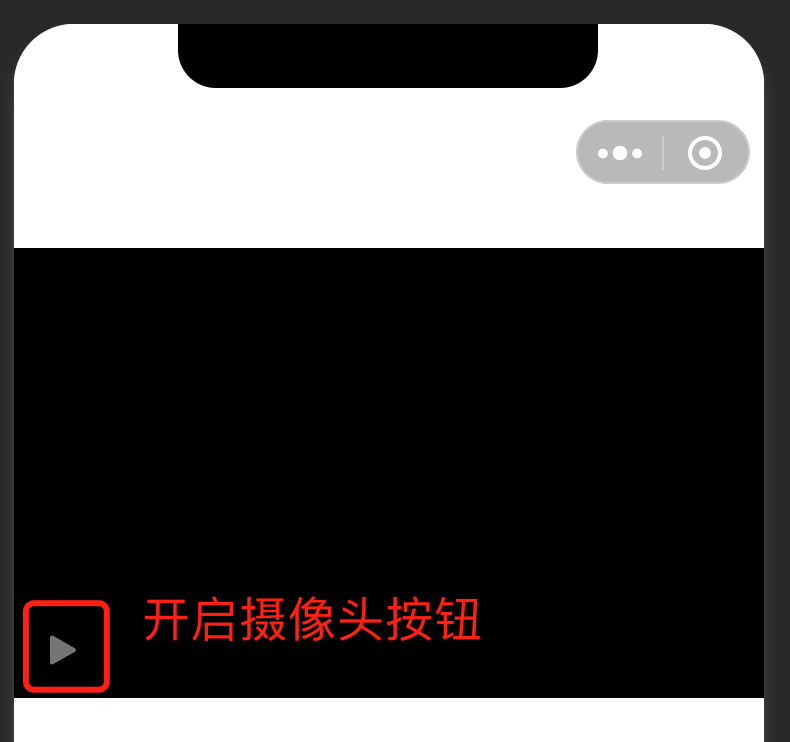
## 3. 组件属性
| 属性 | 类型 | 默认值 | 必填 | 说明 |
| ---- | ---- | ---- | ---- | ---- |
| sn | String | | 是 | 设备 | sn |
| model-id | String | | 是 | MP申请的model-id |
| device-name | String | | 是 | 设备名称 |
|video-quality-list | String[] |['360P', '480P', '720P', '1080P', '4K']| 否 | 个数不超过 5 个。当用户切换清晰度时,会显示在面板上,切换后会触发组件事件`changeQuality`|
事件:切换清晰度 changeQuality
| | 类型 | 说明 |
| -- | -- | -- |
| index | Number | 用户选择的清晰度在传入的video-quality-list数组中的index。|
示例:
```html
```
```js
Page({
changeQuality(res) {
console.log(res)
}
})
```
## 4. 更新日志
请参考[《小程序音视频通话插件更新日志》](changelog)