Installing the iOS Simulator
Last edited on 2026-03-12
I. Windows System
- Windows systems do not support installing the iOS Simulator
II. Mac System
1. Install Xcode
- Download it via the App Store or from the Apple Developer website
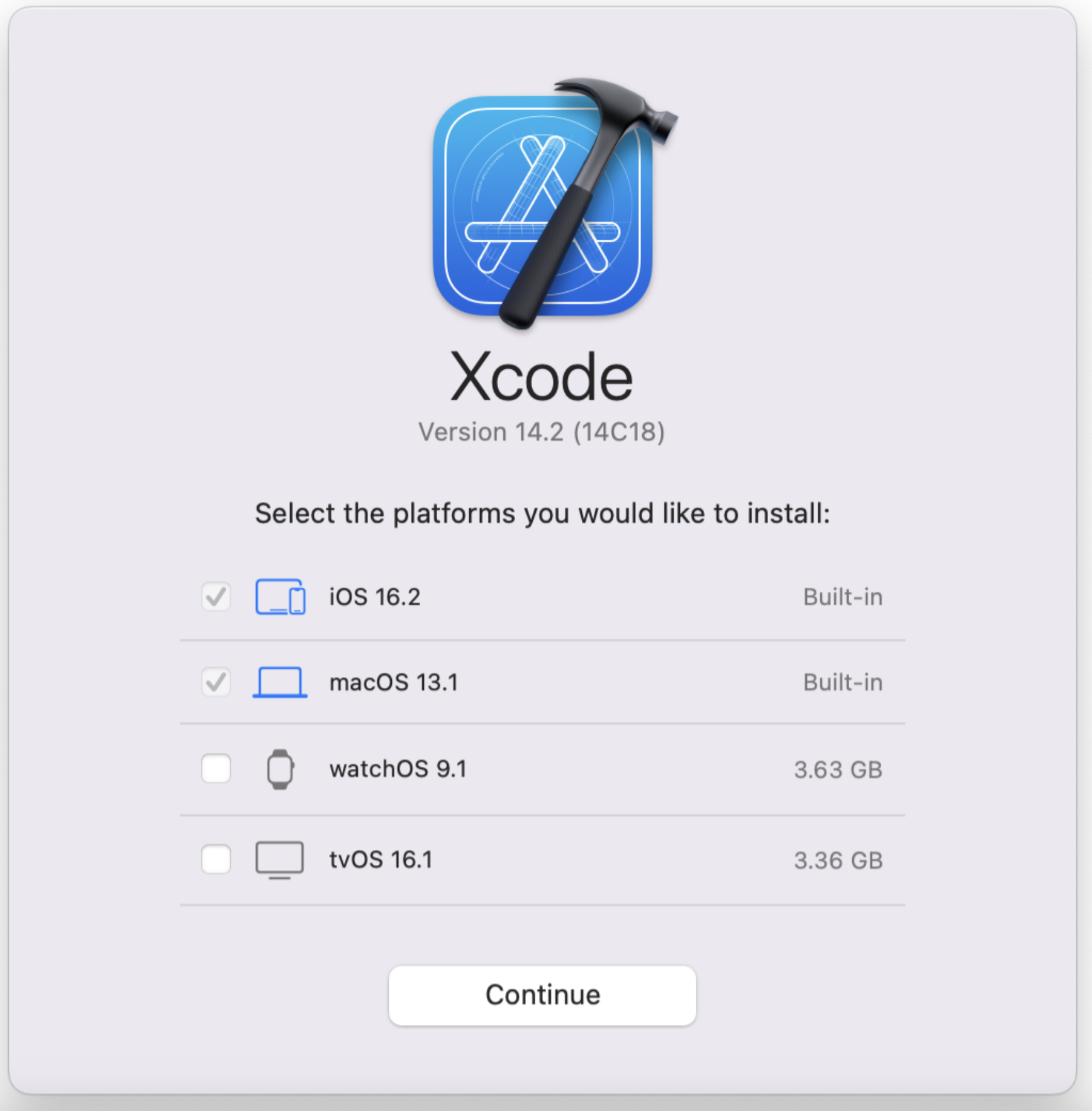
- After installing Xcode, open it and install the Apple SDK (upon completion, this step will also install the Xcode IDE, Xcode command-line tools, and the iOS Simulator)
2. View Installed Simulators
- Run the command
xcrun xctrace list devices to view all installed simulators.