Code Quality Scan is a plugin that helps Mini Program developers improve code quality. It scans local code to identify optimization opportunities and provides suggestions for improvement.
Usage Flow
- Open Developer Tools and open the Editor
- Switch to the "Code Quality" panel in the Debugger area
- Click the "Scan" button
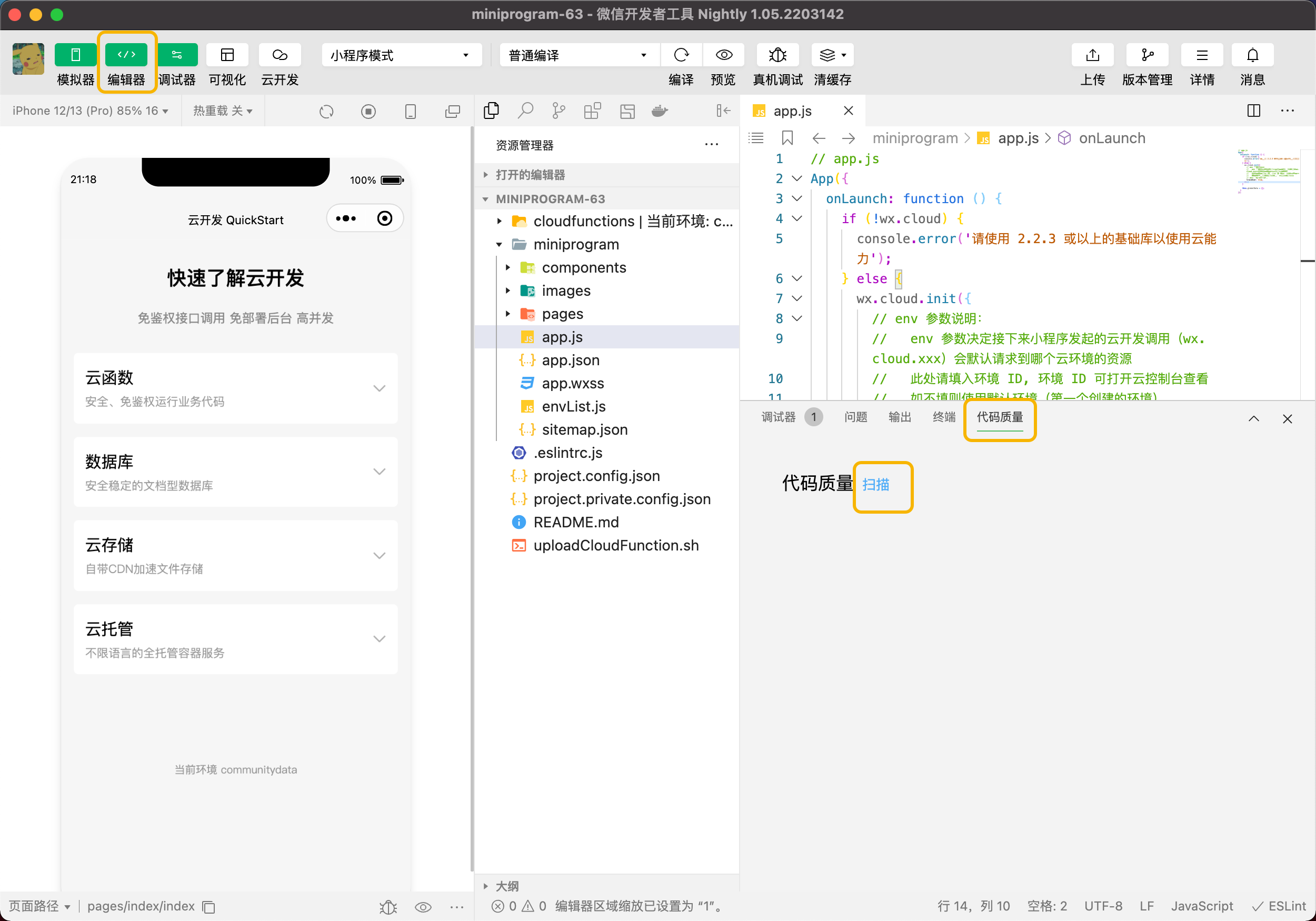
- After the scan is complete, the code quality report is displayed in the current panel. Developers can optimize the corresponding features based on the suggestions in the report
- It is recommended to click "Rescan" after every code change to view the latest code quality report
Scoring Rules
For the list of optimizable items and optimization suggestions, please refer to the documentation for details: Mini Program Performance Optimization Guide