Native Debugging 2.0 adopts a new debugging model, making the debugging results closer to actual device performance while supporting more features (e.g., Canvas APIs). Below is the user guide for Native Debugging 2.0.
Developer Tools support this feature starting from version 1.05.2107221 RC.
1. Device and Base Library Requirements
- Android: WeChat client version 8.0.6 or above, base library version 2.18.1 or above.
- iOS: WeChat client version 8.0.8 or above, base library version 2.18.1 or above.
2. Switch to Native Debugging 2.0
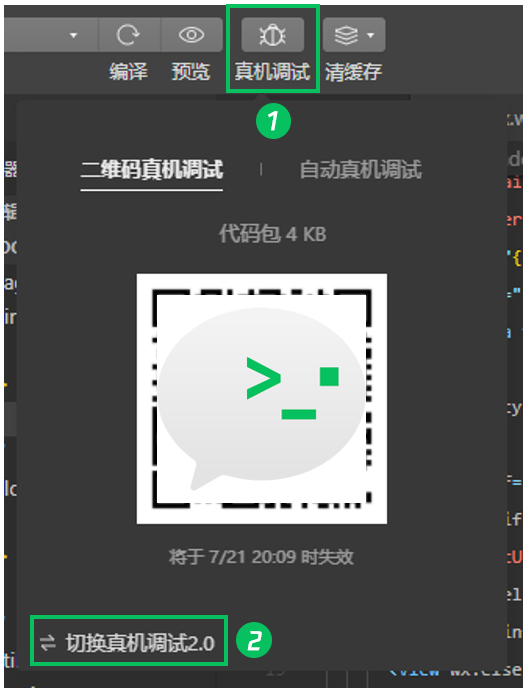
Open the project and click the "Native Debugging" button. If "Switch to Native Debugging 2.0" appears in the bottom-left corner, click it to switch.
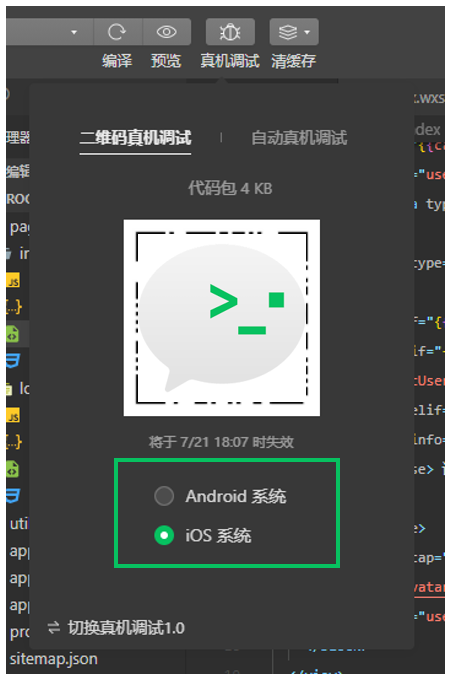
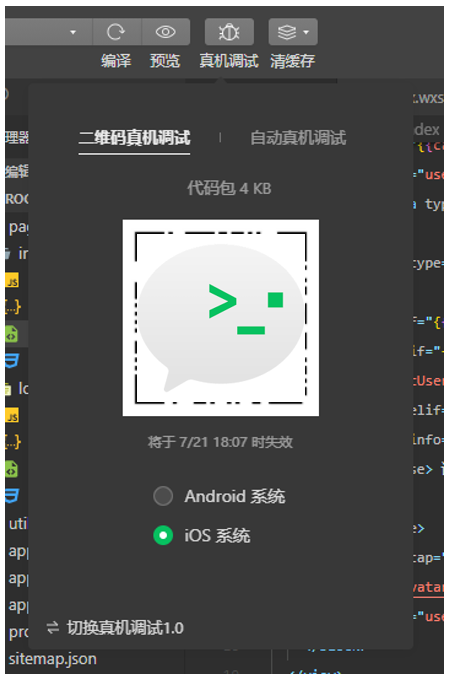
If the following interface appears, the switch was successful:
3. Experience Requirements for Different Device Models
The on-device debugging 2.0 version distinguishes between Android and iOS systems. Please ensure that the actual device model matches the selected device model.