Starting from WeChat 6.5.8, we provide a performance panel to help developers understand the performance of Mini Program. Developers can enable the performance panel in the development version of Mini Program. To enable it: Enter the development version of Mini Program, tap the More button in the top-right corner, and select Show Performance Window.
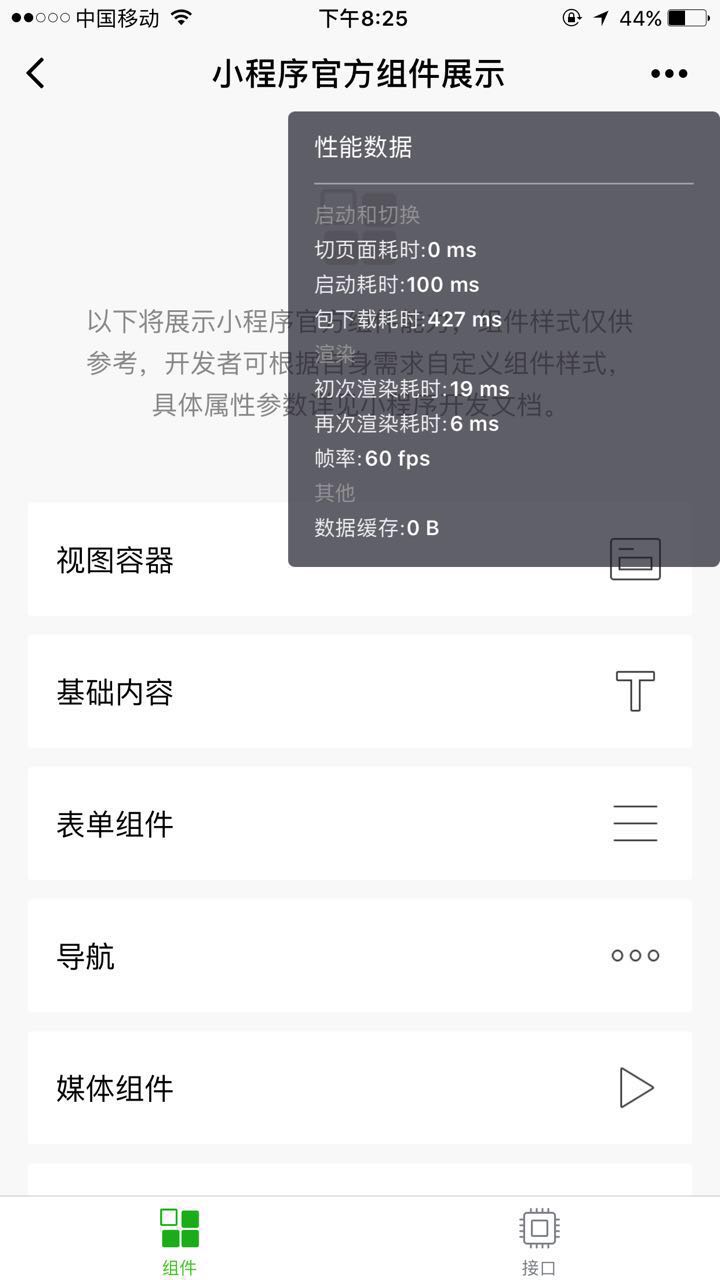
Performance Panel Metrics Description
| Metric | Description |
|---|---|
| CPU | CPU usage of Mini Program process, available on Android only |
| Memory | Memory usage of Mini Program process (Total Pss), available on Android only |
| Startup Duration | Total startup duration of Mini Program |
| Download Duration | Mini Program package download duration; occurs on first launch or when the resource package needs updating |
| Page Switch Duration | Duration for Mini Program page switching |
| Frame Rate/FPS | |
| First Render Duration | Duration for the first page render |
| Subsequent Render Duration | Duration for subsequent page renders (usually triggered by the developer's setData operation) |
| Data Cache | Cache size stored via the Storage interface by Mini Program |